




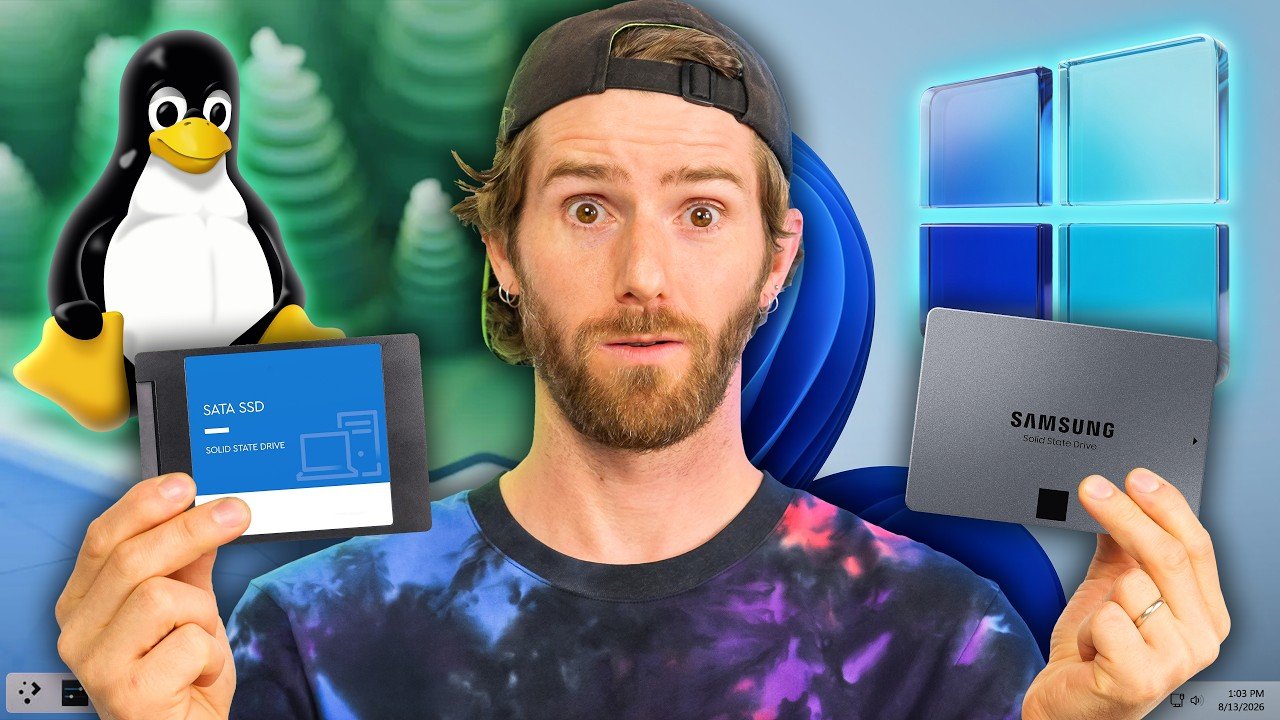
Source: Linus Tech Tips
Thank you for reading this post, don't forget to subscribe!CachyOS dual boot setup: What You Need to Know
THE TL;DW
- Linus Tech Tips features LTT team member Luke walking through his personal CachyOS dual boot setup, showing how he runs Linux alongside Windows on the same machine.
- Luke explains why he still keeps a Windows partition around instead of going full Linux, covering practical reasons some apps and games still need it.
- The video frames dual booting as a low-risk way for curious Windows users to try Linux without wiping their current install.
The Jupiter Take
Linux interest keeps climbing as creators look for lower-friction ways to introduce mainstream PC users to it, and dual booting removes the biggest barrier: fear of losing Windows. This video doubles as a practical walkthrough and a soft pitch, using a real LTT staffer’s daily setup instead of a hypothetical example.
Context
CachyOS is an Arch Linux-based distribution that’s gained traction among gamers for its performance tuning and compatibility with modern hardware. Dual booting lets a single PC run two operating systems from separate partitions, letting users switch between Windows and Linux at startup rather than committing fully to one. This isn’t Linus Tech Tips‘ first deep dive into infrastructure and OS choices for its own team — the channel has also toured Hetzner’s DIY data center in Germany as part of its broader coverage of alternatives to mainstream tech setups.